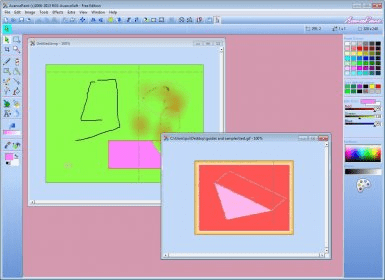
AvancePaint is a feature-rich and powerful painting application that allows you to edit existing photos or create new drawings from scratch. Though pretty neat and lightweight, it offers a lot more features than many other applications of its kind, including the default Windows’ Paint tool.
Besides the numerous interface panels that contain a large variety of drawing tools, AvancePaint also offers a lot of additional advanced features and functions, including the possibility of adding visual effects, geometrical shapes, symbols, stamps, etc. Even 20 photo-realistic filters and a lot of textures are available. Anyway, these are just a few examples of the many things that this powerful application has to offer. Being so comprehensive make this handy program suitable for advanced users, while its easy-to-use and intuitive interface make it fit for beginners too.
Unfortunately, the program can open and process only three image file formats: JPEG, GIF and BMP. They are indeed the most popular graphic formats, but being unable to edit photos of other formats is quite a drawback. Not even the popular PNG format is supported.
Since it’s also free, I consider that AvancePaint is worth having. It represents a more powerful alternative to Windows’ Paint and it comes with plenty of advantages.





Comments